
Record aligners in or out
Start and stop wear sessions as your aligners go in and out, then let the app total the day for you.
Invisalign® wear time tracker
AlignerPro gives you a simple Invisalign® and clear aligner timer. Record when your aligners are in or out, see your daily total and compare it with the personal target you set from your own treatment instructions.


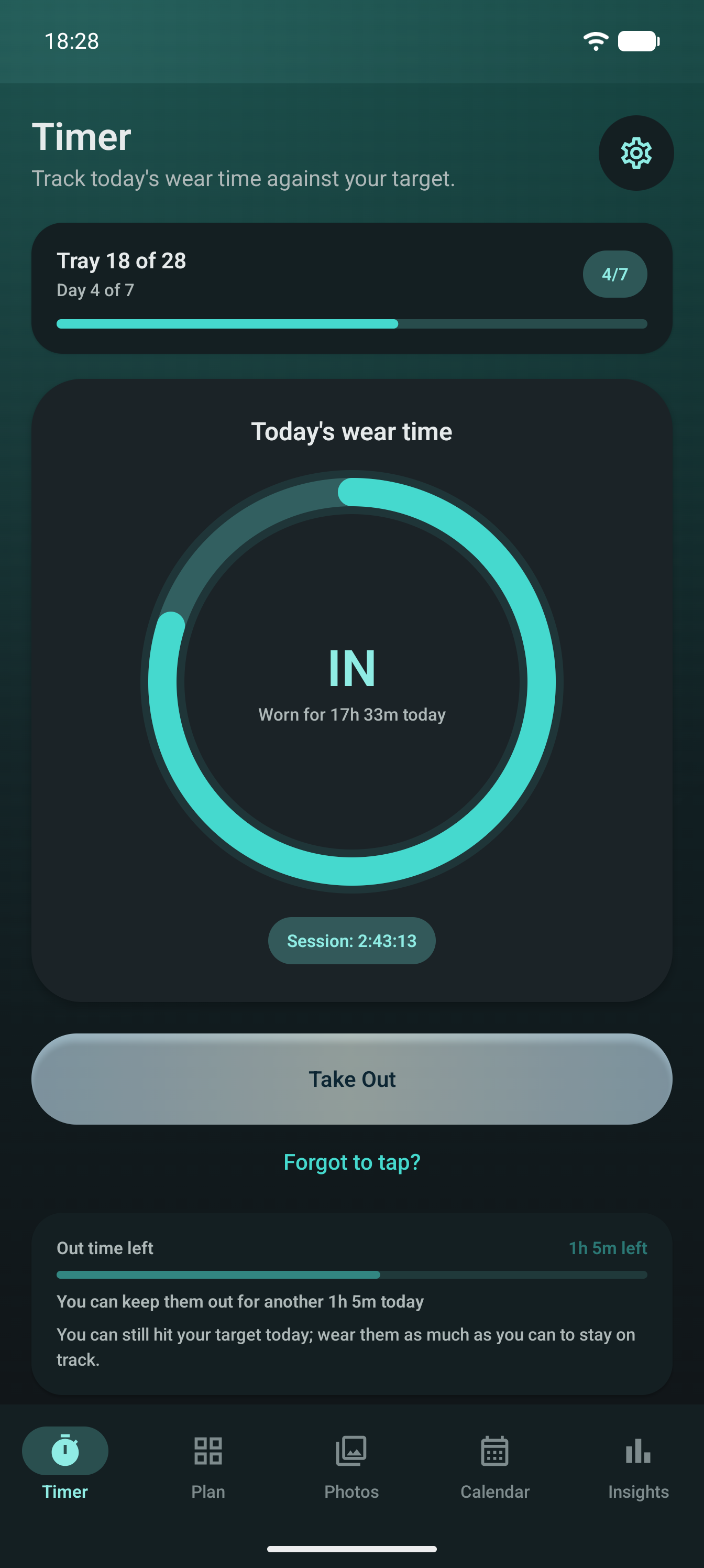
Some days are tidy. Others involve meals, coffee, cleaning, travel and a tray case that keeps moving around the house. The timer is there so you can record what happened without trying to remember every break.
Start and stop wear sessions as your aligners go in and out, then let the app total the day for you.
Use the wear target from your dentist or orthodontist, then check progress against that target during the day.
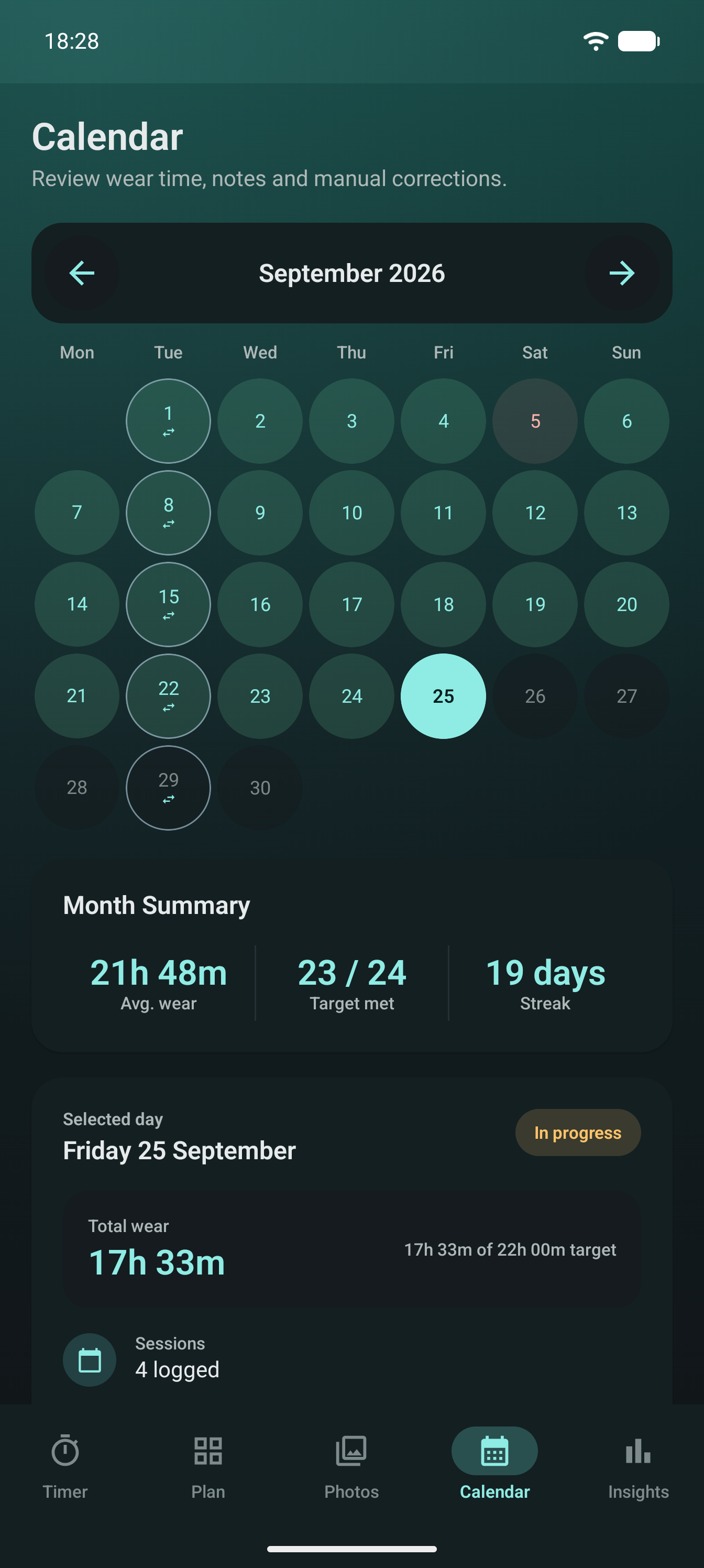
Look back at recorded sessions, daily logs, averages and streaks to understand your own routine over time.
Reminders and history
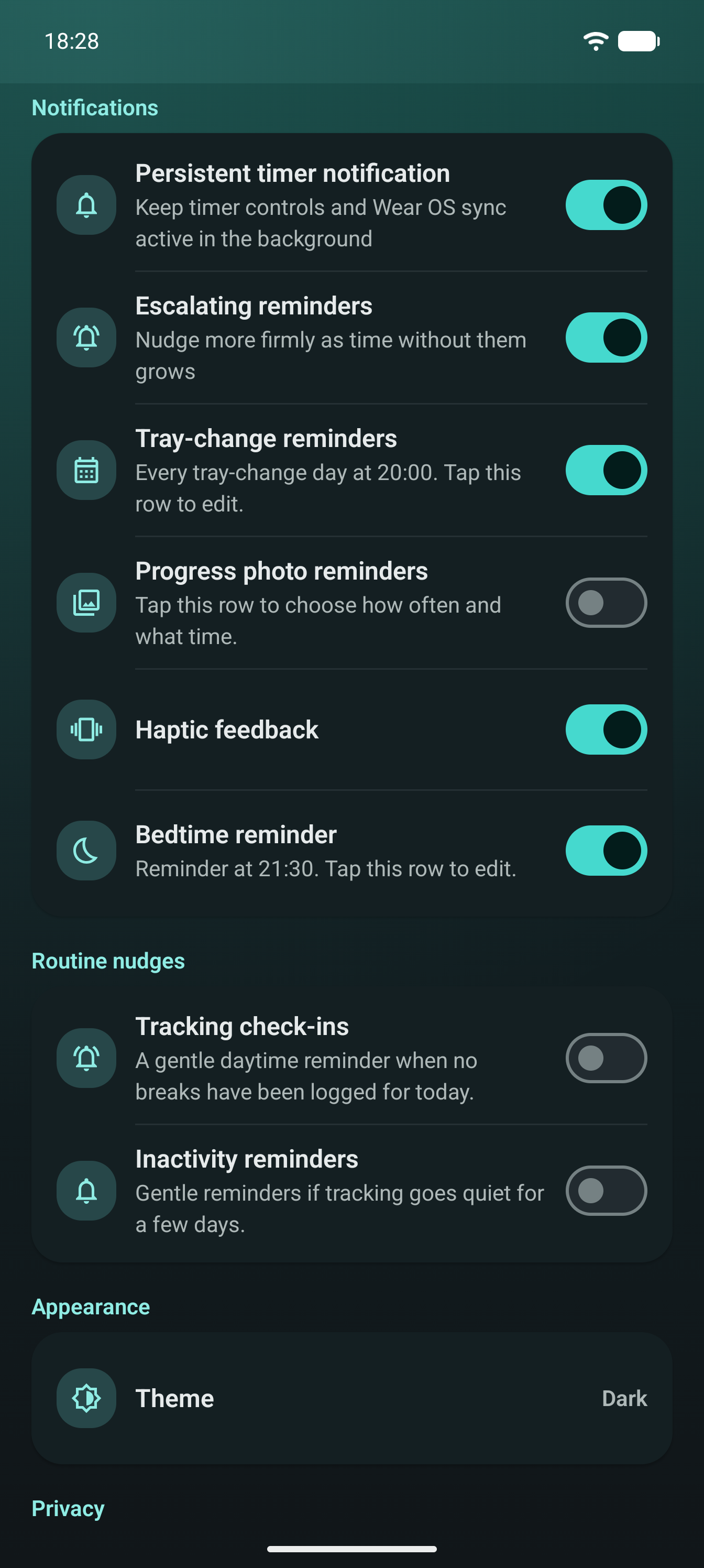
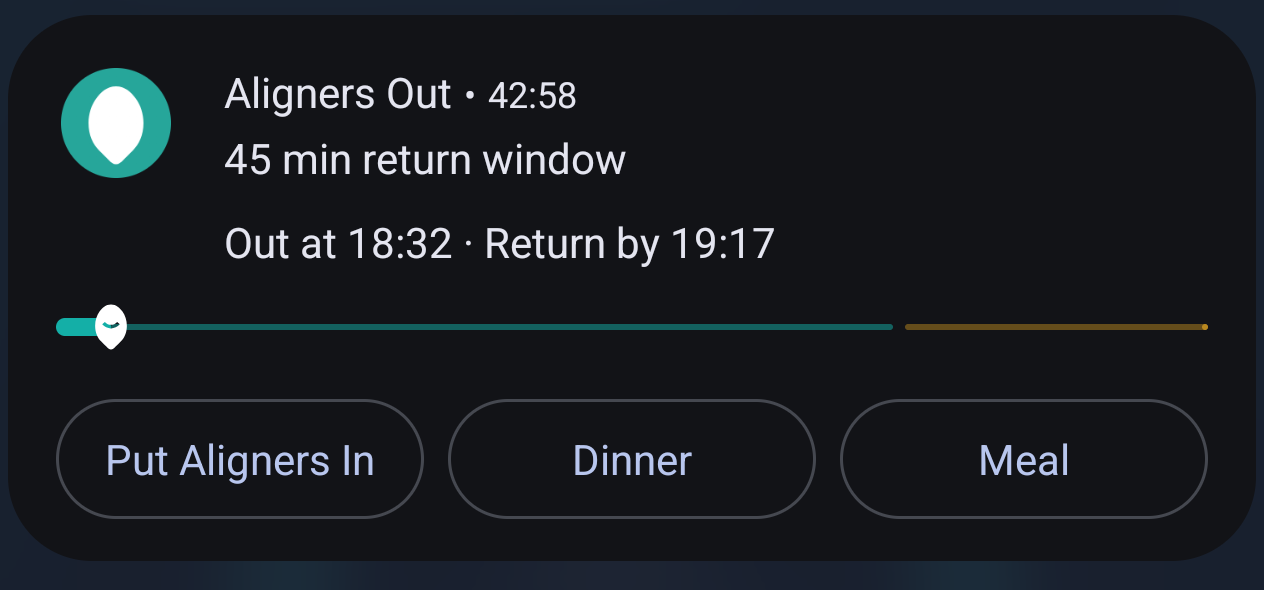
AlignerPro can remind you about wear time. On Android, notification controls keep timer status visible while tracking is active. On iOS, the active timer can appear as a Live Activity on the Lock Screen and Dynamic Island on supported iPhone models. If you use the home-screen widget, you can keep an eye on the timer without opening the app every time.
Without opening the app
Take aligners out or put them back in from a notification or the home screen, with the day's progress alongside.
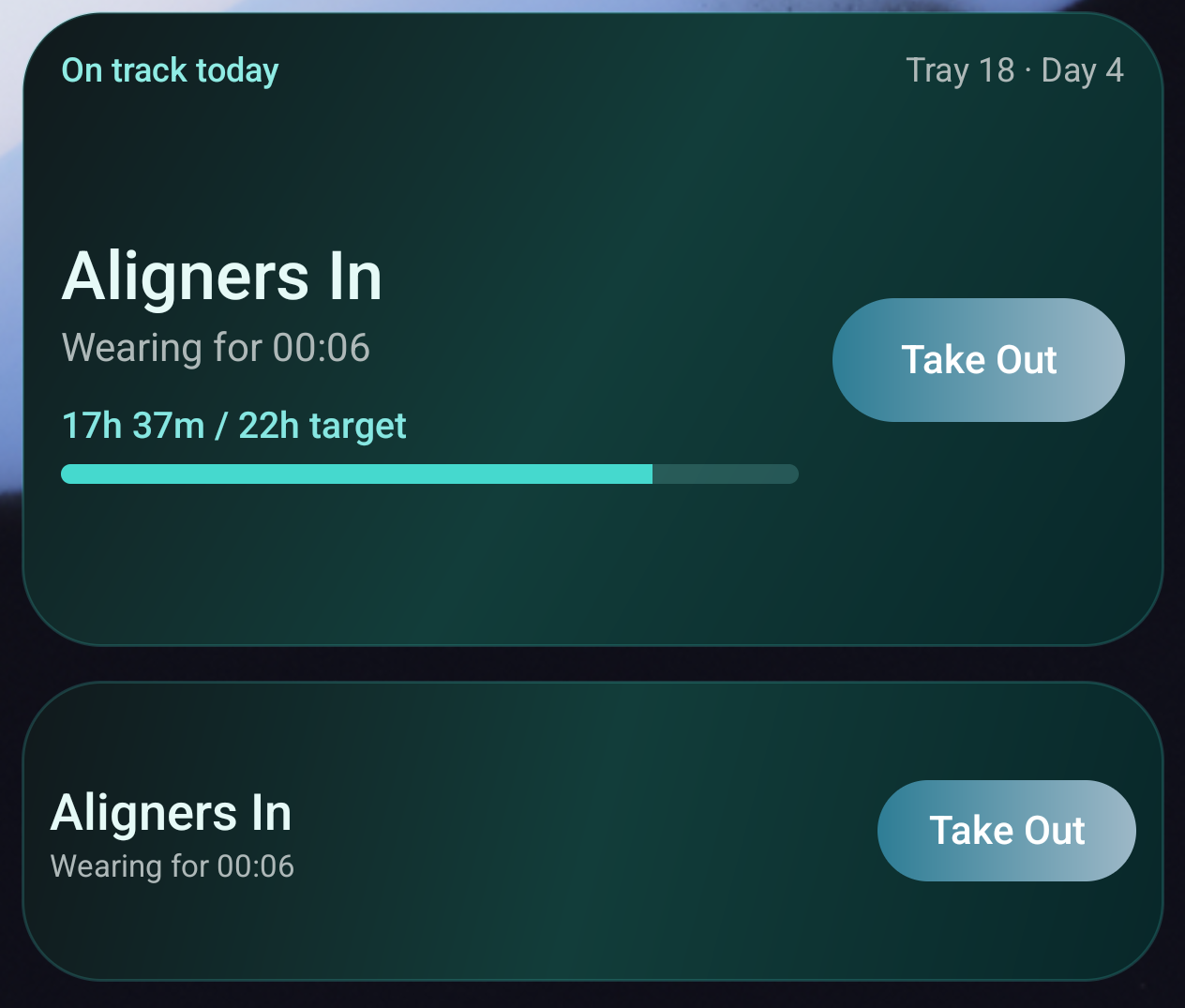
A timer record gives you something better than a rough feeling for how the day went. You can see the actual total, spot patterns and adjust your routine around the instructions you have already been given.
Wear time sits beside tray tracking, progress photos, reminders, appointments, notes, insights, PDF reports and optional local or Google Drive backups. If you later move to retainers, you can keep recording removable retainer wear too.
Related pages: tray change reminder and aligner tray tracker, retainer tracking app and how to track clear aligner wear time.
The app is for personal records. It does not verify whether you followed your plan, assess dental issues or tell you whether treatment is working.
Wear timer
Download AlignerPro from Google Play or the App Store and start recording clear aligner wear time against your own target.

Scan to download
Opens the right store on iPhone or Android.